

Why People Leave Trello
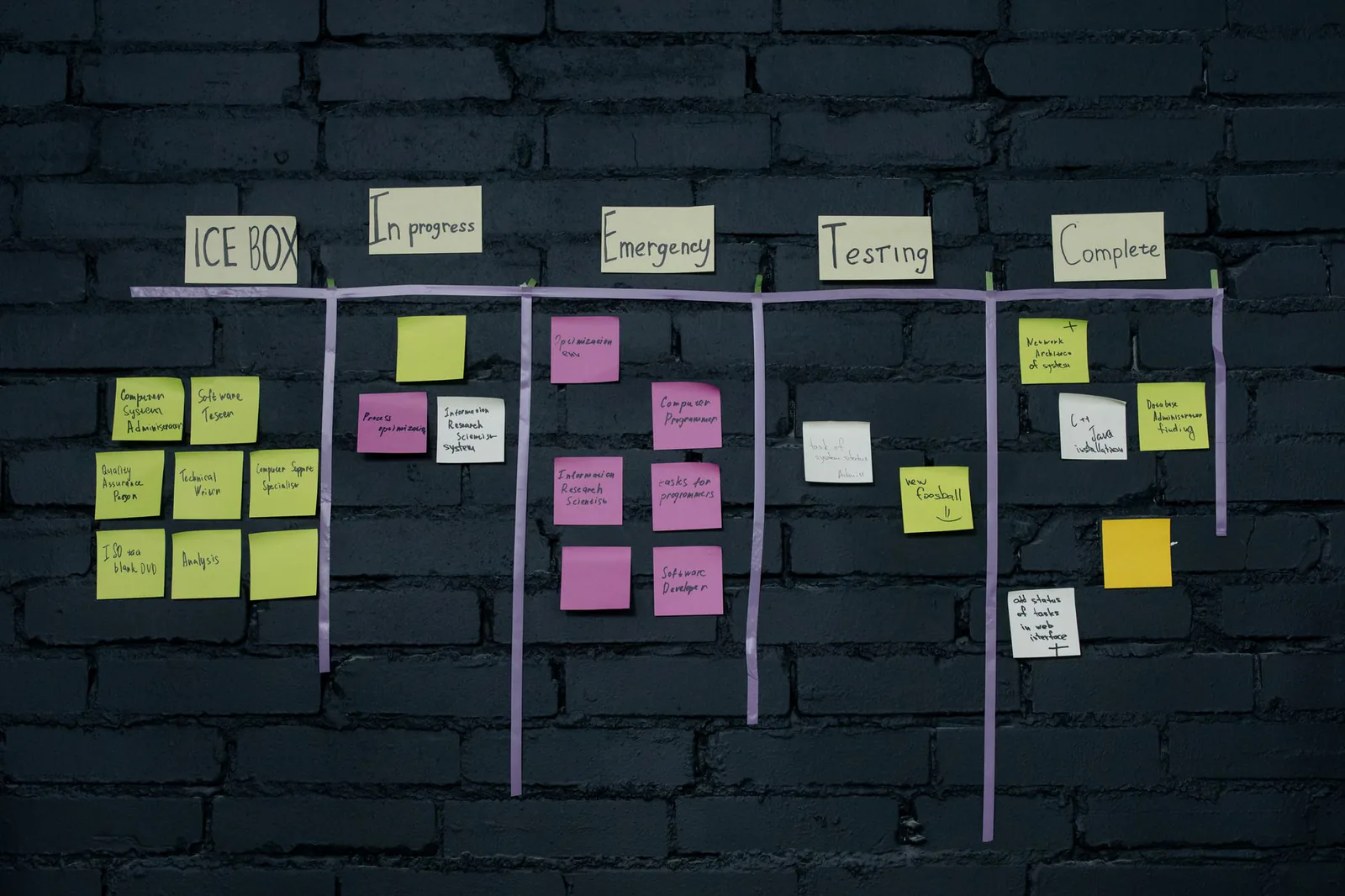
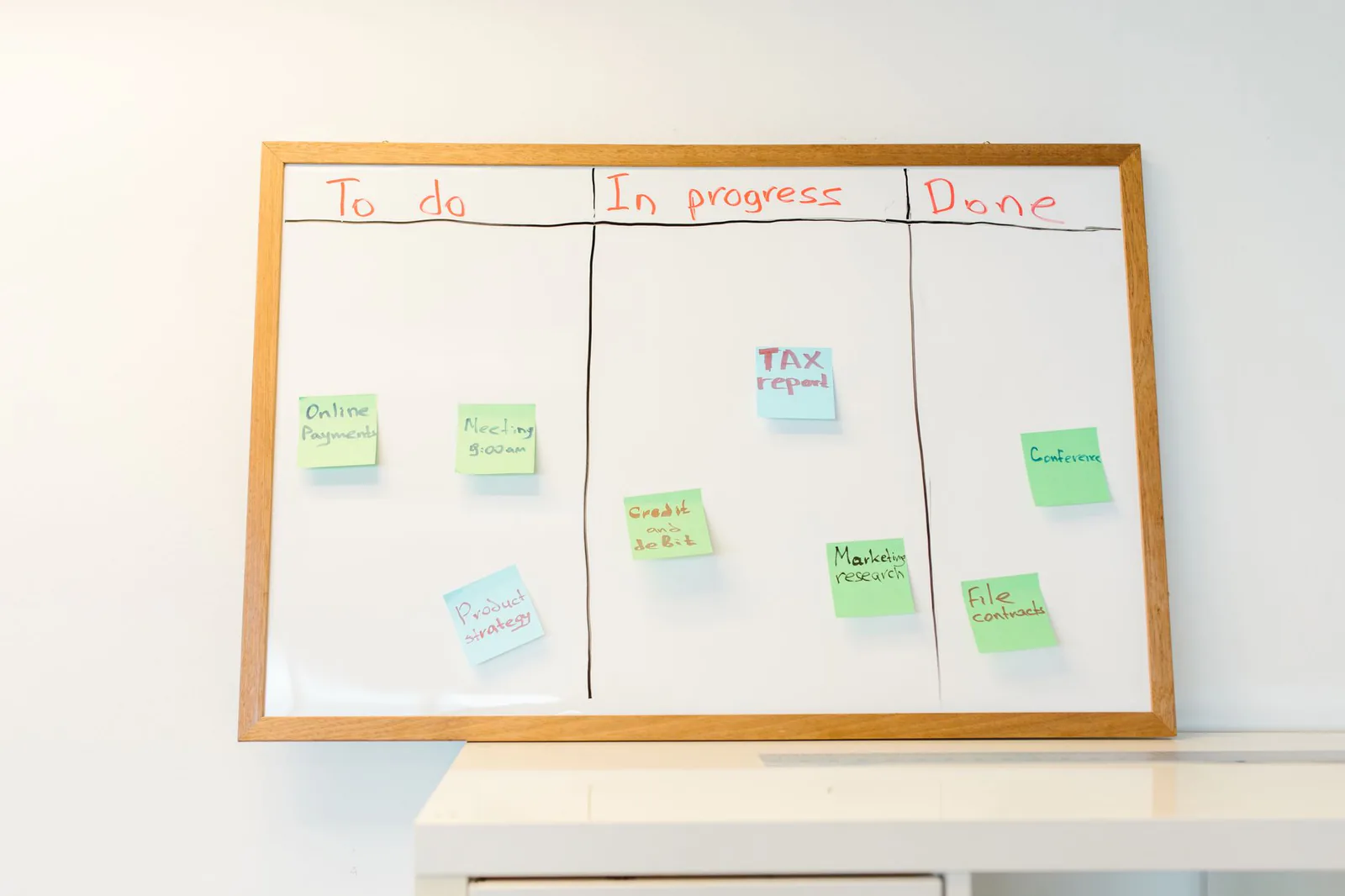
Trello is still a good kanban board. The problem is that kanban boards are no longer enough for most teams, and Trello has not kept up with what modern project management demands.
The most common reason people look for alternatives is the free plan restriction to 10 boards per workspace. Before Atlassian tightened limits in 2023, Trello's free tier was genuinely generous — unlimited boards, unlimited members, unlimited cards. That made it the default choice for startups, freelancers, and small teams. Now, any team managing more than a handful of projects either pays $6/user/month for Standard or looks elsewhere.
The second issue is limited views. Trello's core is the kanban board, and everything else — Timeline, Calendar, Dashboard, Table, and Map views — is locked behind the Premium plan at $12.50/user/month. Competitors like ClickUp and Notion include multiple views on their free plans. When your team needs a Gantt chart or calendar view of deadlines, Trello's pricing feels steep for what you get.
The third pain point is no native docs or knowledge base. Modern project management tools like Notion and ClickUp combine task tracking with documentation, wikis, and databases in one workspace. With Trello, you end up maintaining a separate tool for docs (Google Docs, Confluence, Notion) and linking between them constantly. For teams that want everything in one place, that fragmentation is a dealbreaker.
Finally, automation limits hit quickly. Trello's free plan caps workspace automation (Butler) at 250 command runs per month. For a team of five with even moderate automation usage, that runs out within the first two weeks.
The 7 Best Trello Alternatives
1. Notion — Best All-Around Replacement
Notion is the tool that most directly replaces Trello while also replacing your docs tool, your wiki, and your spreadsheets. A Notion database can function as a kanban board, table, calendar, timeline, gallery, or list — and you switch between views instantly. Every card can contain rich documents with embedded media, databases, code blocks, and nested pages.
What makes Notion compelling as a Trello replacement is the combination of flexibility and structure. You can start with a simple kanban board that looks and works like Trello, then gradually add properties, relations between databases, formulas, and filtered views as your needs grow. The free plan gives individual users unlimited pages and blocks. Teams on the free plan are limited to a shared workspace with a 1,000-block trial, after which you need the Plus plan at $10/user/month.
The trade-off is that Notion requires more setup time than Trello. There is no pre-built "project management" template that works perfectly out of the box — you either find a community template or build your own system. For teams that want opinionated project management, Asana or Monday.com will feel more guided.
Pricing: Free for individuals. Plus at $10/user/month, Business at $18/user/month. Billed annually.
2. ClickUp — Most Generous Free Plan
ClickUp positions itself as the "everything app" for project management, and the free plan backs up that claim. You get unlimited tasks, unlimited members, unlimited list and board views, native docs, whiteboards, and basic time tracking — all without paying. There are no board limits, no member caps on the free tier, and no per-feature paywalls for core functionality.
The platform supports kanban, list, Gantt, calendar, timeline, table, and mind-map views. Custom fields, task dependencies, subtasks, checklists, and recurring tasks are all available. ClickUp Docs live inside the platform alongside your tasks, so you can write meeting notes, specs, or SOPs without switching tools. Whiteboards let teams brainstorm visually and convert sticky notes into tasks.
The downside is complexity. ClickUp has so many features that new users often feel overwhelmed. The interface is busier than Trello's minimalist kanban, and there is a learning curve before your team gets comfortable. Performance can also lag on larger workspaces, though ClickUp has improved this significantly in recent updates.
Pricing: Free Forever plan (unlimited tasks and members). Unlimited at $7/user/month, Business at $12/user/month. Billed annually.
3. Asana — Best for Structured, Growing Teams
Asana is the most polished project management tool on this list for teams that want clear structure without the chaos of a feature-overloaded interface. The UI is clean, the workflow is intuitive, and projects can be viewed as boards, lists, timelines, or calendars. Asana's approach is opinionated in the best way — it guides teams toward good project management practices rather than giving you a blank canvas.
Where Asana excels is in automation and cross-project visibility. Rules-based automation lets you auto-assign tasks, move items between sections, set due dates, and notify team members based on triggers. Portfolios give managers a bird's-eye view of all active projects and their status. Forms let external stakeholders submit requests that automatically create tasks in the right project.
Asana's free plan supports up to 10 users with basic project management features — list view, board view, calendar view, and assignees. You lose timeline view, custom fields, forms, rules, and portfolios on the free plan, which limits its usefulness for anything beyond small teams. The Starter plan at $13.49/user/month unlocks everything most teams need.
Pricing: Free for up to 10 users. Starter at $13.49/user/month, Advanced at $30.49/user/month. Billed annually.
4. Monday.com — Best Visual Interface
Monday.com takes a spreadsheet-like approach to project management that many teams find more intuitive than kanban. The core unit is the "board," which looks like a colorful, highly visual spreadsheet where each row is an item and columns represent properties like status, owner, due date, and priority. You can switch views to kanban, timeline, calendar, or chart, but the table view is where Monday.com shines.
The automation engine is Monday.com's strongest differentiator. You can build complex if-then workflows without writing code — when a status changes to "Done," automatically notify the client, move the item to a completed group, and update a summary dashboard. The visual automation builder is more accessible than competitors like Asana or ClickUp for non-technical users.
Monday.com's weakness is pricing. The free Individual plan is limited to 2 seats and 3 boards. The Basic plan at $12/seat/month is entry-level, but it does not include automations or integrations — you need the Standard plan at $14/seat/month for those. For a team of 10, that is $140/month before you hit any features that justify leaving Trello. The minimum seat purchase of 3 seats on paid plans also inflates costs for very small teams.
Pricing: Free for up to 2 seats. Basic at $12/seat/month, Standard at $14/seat/month, Pro at $24/seat/month. Billed annually. Minimum 3 seats on paid plans.
5. Linear — Best for Software Development Teams
Linear is not trying to be an all-purpose project management tool. It is purpose-built for software development teams, and it does that one thing exceptionally well. The interface is fast — noticeably faster than any other tool on this list — with keyboard shortcuts for virtually every action. Creating an issue, assigning it, setting priority, and adding it to a cycle takes seconds without touching the mouse.
Linear uses cycles (similar to sprints) instead of arbitrary board columns, and issues flow through states like Backlog, Todo, In Progress, and Done. Native GitHub and GitLab integration means pull requests automatically link to issues and update status when code is merged. Project roadmaps give product managers visibility across teams, and triage workflows help teams process incoming bugs and requests systematically.
The free plan supports up to 250 active issues, which is enough for small dev teams or initial evaluation. Beyond that, the Standard plan at $8/user/month is competitively priced for what you get. Linear is not the right choice for marketing teams, operations teams, or anyone who does not work in a software development workflow — it is deliberately narrow in scope.
Pricing: Free for up to 250 issues. Standard at $8/user/month, Plus at $14/user/month. Billed annually.
6. Basecamp — Best for Teams That Hate Complexity
Basecamp takes the opposite approach to ClickUp and Monday.com. Instead of adding every possible feature, Basecamp gives you a deliberately limited set of tools: a message board, a to-do list, a schedule, a docs and files section, a group chat (Campfire), and automatic check-ins. That is it. No Gantt charts, no custom fields, no automations, no 47 different view options.
This constraint is Basecamp's entire value proposition. For teams overwhelmed by the complexity of modern project management tools, Basecamp feels like a relief. Projects are organized into Camps, each with the same six tools. Communication stays centralized in the message board rather than scattered across Slack threads, email, and comments on tasks. The Hill Charts feature provides a unique visual way to track progress that is more nuanced than percentage-complete bars.
Basecamp charges a flat $299/month for unlimited users, which makes it extremely cost-effective for larger teams (a team of 30 pays $10/user/month) but expensive for small teams (a team of 3 pays $100/user/month). There is also a free personal plan for individual use and students. If your team needs Gantt charts, custom workflows, or detailed reporting, Basecamp is not the right fit.
Pricing: Free for personal use. Basecamp at $15/user/month, Pro Business at $299/month flat (unlimited users). Billed annually.
7. Todoist — Best for Individual Task Management
Todoist is the lightest-weight option on this list and the closest in spirit to Trello's simplicity. It is primarily a personal task manager with collaboration features, not a full project management platform. If you used Trello mainly as a personal to-do list or for managing your own projects, Todoist is the most natural replacement.
The app is fast, clean, and available on every platform — web, desktop (Windows, Mac, Linux), mobile (iOS, Android), browser extension, email plugin, and even a Wear OS watch app. Natural language input lets you type "submit report every Friday at 3pm" and Todoist parses it into a recurring task automatically. Kanban boards are available for visual task management, and projects support sections, labels, priorities, and filters.
For team collaboration, Todoist supports shared projects, task assignments, comments, and file attachments. The free plan allows up to 5 active projects and 5 collaborators per project. The Pro plan at $5/month unlocks unlimited projects, reminders, and calendar feeds. The Business plan at $8/user/month adds team features like an admin dashboard, team billing, and priority support.
Pricing: Free (5 active projects). Pro at $5/month, Business at $8/user/month. Billed annually.
Full Comparison Table
| Feature | Notion | ClickUp | Asana | Monday | Linear | Basecamp | Todoist |
|---|---|---|---|---|---|---|---|
| Free plan | Yes | Yes — generous | Up to 10 users | 2 seats, 3 boards | 250 issues | Personal only | 5 projects |
| Kanban boards | Yes | Yes | Yes | Yes | Yes | No | Yes |
| Timeline / Gantt | Yes | Yes | Yes (paid) | Yes | Roadmaps | No | No |
| Native docs | Yes — excellent | Yes | No | Workdocs | No | Basic | No |
| Automations | Yes | Yes | Yes — strong | Yes — visual builder | Yes | No | Basic |
| Custom fields | Yes — databases | Yes | Yes (paid) | Yes | Yes | No | Labels only |
| Time tracking | Via integration | Built-in | Via integration | Built-in | No | No | No |
| Git integration | Via API | Yes | Yes | Yes | Native — best | No | No |
| Mobile app | iOS, Android | iOS, Android | iOS, Android | iOS, Android | iOS, Android | iOS, Android | All platforms |
| Paid price (per user/mo) | $10 | $7 | $13.49 | $14 | $8 | $15 | $5 |
Pricing current as of April 2026. All paid prices reflect annual billing. Check each provider's website for the latest rates.
How We Chose These Alternatives
We evaluated over 20 project management tools against criteria that matter most to teams leaving Trello:
Free plan quality. Since many Trello users are leaving because of free plan restrictions, we weighted the generosity and usability of each tool's free tier heavily. ClickUp and Notion stand out here.
Kanban + additional views. Every tool on this list supports kanban boards — that is table stakes for a Trello replacement. We prioritized tools that also offer timeline, calendar, and table views so teams are not forced into another single-view tool.
Ease of migration. Tools with direct Trello import features scored higher. Notion, ClickUp, Asana, and Monday.com all offer one-click Trello board imports.
Docs and knowledge management. One of Trello's biggest gaps is native documentation. We favored tools that combine project management with docs (Notion, ClickUp) since consolidating tools reduces context-switching.
Team scalability. We included tools that work for solo users (Todoist) through enterprise teams (Asana, Monday.com) so every team size has a recommendation.
Opinionated where appropriate. We did not include tools that are so flexible they require weeks of setup. Every tool on this list is functional within an hour of signing up.
Pros and Cons Summary
Notion Pros
- ✓Replaces Trello, Google Docs, and your wiki in one tool
- ✓Flexible databases that work as boards, tables, calendars, or timelines
- ✓Generous free plan for individual users
- ✓Strong template community and Trello import
Notion Cons
- ✕Requires setup time — no opinionated project management structure
- ✕Team free plan limited to 1,000-block trial
- ✕Can feel slow on very large databases
ClickUp Pros
- ✓Most generous free plan — unlimited tasks, members, and views
- ✓Native docs, whiteboards, and time tracking included
- ✓Highly customizable for any workflow
- ✓Direct Trello import tool
ClickUp Cons
- ✕Steep learning curve due to feature density
- ✕Interface can feel cluttered compared to Trello's simplicity
- ✕Performance can lag on larger workspaces
Linear Pros
- ✓Fastest interface of any project management tool
- ✓Native GitHub and GitLab integration
- ✓Purpose-built for software development workflows
- ✓Competitive pricing at $8/user/month
Linear Cons
- ✕Only suitable for software development teams
- ✕Free plan limited to 250 active issues
- ✕No native docs, whiteboards, or time tracking
Our Top Picks by Team Type
All-around replacement that also handles docs: Notion. Best free plan with no limits: ClickUp. Structured team workflows and automation: Asana. Software development: Linear. Simplicity over features: Basecamp. Personal task management: Todoist.