Ease of Use
This is where the two platforms diverge most sharply. Wix is a true drag-and-drop website builder — you sign up, pick a template, and start placing elements exactly where you want them on the page. There is no code, no hosting setup, no software to install. Wix also offers Wix ADI (Artificial Design Intelligence), which generates a site based on your answers to a few questions. For someone who has never built a website, Wix is one of the easiest tools available.
WordPress (self-hosted, from wordpress.org) requires more upfront work. You need a hosting account, a domain, and a WordPress installation — most hosts offer one-click WordPress installs now, but it is still more steps than Wix. Once installed, WordPress uses the Gutenberg block editor for page building, which is capable but less intuitive than Wix's drag-and-drop approach. Page builders like Elementor and Beaver Builder bring drag-and-drop to WordPress, but they add complexity and sometimes performance overhead.
WordPress.com (the hosted version) is simpler than self-hosted WordPress but more limited. For this comparison, we focus primarily on self-hosted WordPress (wordpress.org) because that is where WordPress's real power lies.

Wix's drag-and-drop editor is beginner-friendly, while WordPress demands more setup but offers unlimited flexibility.
Design and Templates
Wix offers over 900 professionally designed templates organized by industry. The templates are visually polished and mobile-responsive, and the editor gives you pixel-level control over placement. You can move any element anywhere on the page — true freeform design. The trade-off is that you cannot switch templates after publishing without rebuilding your content, so choosing the right template upfront matters.
WordPress has access to thousands of themes — free and premium — through its theme directory and third-party marketplaces like ThemeForest. The design flexibility is virtually unlimited because you have full access to the underlying code (HTML, CSS, PHP). The best WordPress themes are highly customizable through theme options panels, and page builders like Elementor add visual editing capabilities. The design ceiling is higher than Wix, but reaching it requires more skill or a developer.
For creative control without technical skills, Wix's editor is more intuitive. For maximum design flexibility with no constraints, WordPress is unmatched.
WordPress is free, open-source software — but hosting, themes, and plugins add to the real cost.
Pricing Comparison
Wix pricing is all-inclusive. Plans range from $17/month (Light) to $159/month (Business Elite). The most popular plans for small businesses are Combo ($29/month) and Business ($17/month for basic ecommerce). All paid plans include hosting, SSL, and a free domain for the first year. Wix does not charge transaction fees on ecommerce sales.
WordPress (self-hosted) pricing is modular. The software is free, but you need:
- Hosting: $5-50/month (shared hosting is cheapest; managed WordPress hosting is recommended for business sites)
- Domain: $10-15/year
- Premium theme: $0-200 one-time (thousands of free themes available)
- Premium plugins: $0-500/year depending on needs (many essential plugins are free)
- Security: Usually included with managed hosting or handled by free plugins
A small business WordPress site typically costs $10-30/month with shared hosting, or $25-50/month with managed hosting. The cost scales with your needs rather than being locked into plan tiers. For a basic site, WordPress can be cheaper than Wix. For a site with premium themes and plugins, costs can match or exceed Wix.
Ecommerce
Wix offers built-in ecommerce on its Business and Business Elite plans. You get product management, a shopping cart, secure checkout, and order management — all within the Wix editor. Wix Payments handles payment processing, or you can connect PayPal, Stripe, and other gateways. For a small store with under 500 products, Wix ecommerce is straightforward and capable.
WordPress handles ecommerce through WooCommerce, the most popular ecommerce plugin in the world. WooCommerce is free and open-source, with a massive extension ecosystem for subscriptions, bookings, product variations, shipping rules, tax management, and more. The functionality ceiling is much higher than Wix — WooCommerce can power stores with thousands of products and complex business logic. The trade-off is more setup time and ongoing management.
For a simple online store, Wix is faster to set up and easier to manage. For a store that is central to your business and needs to scale, WooCommerce on WordPress is the more powerful foundation.
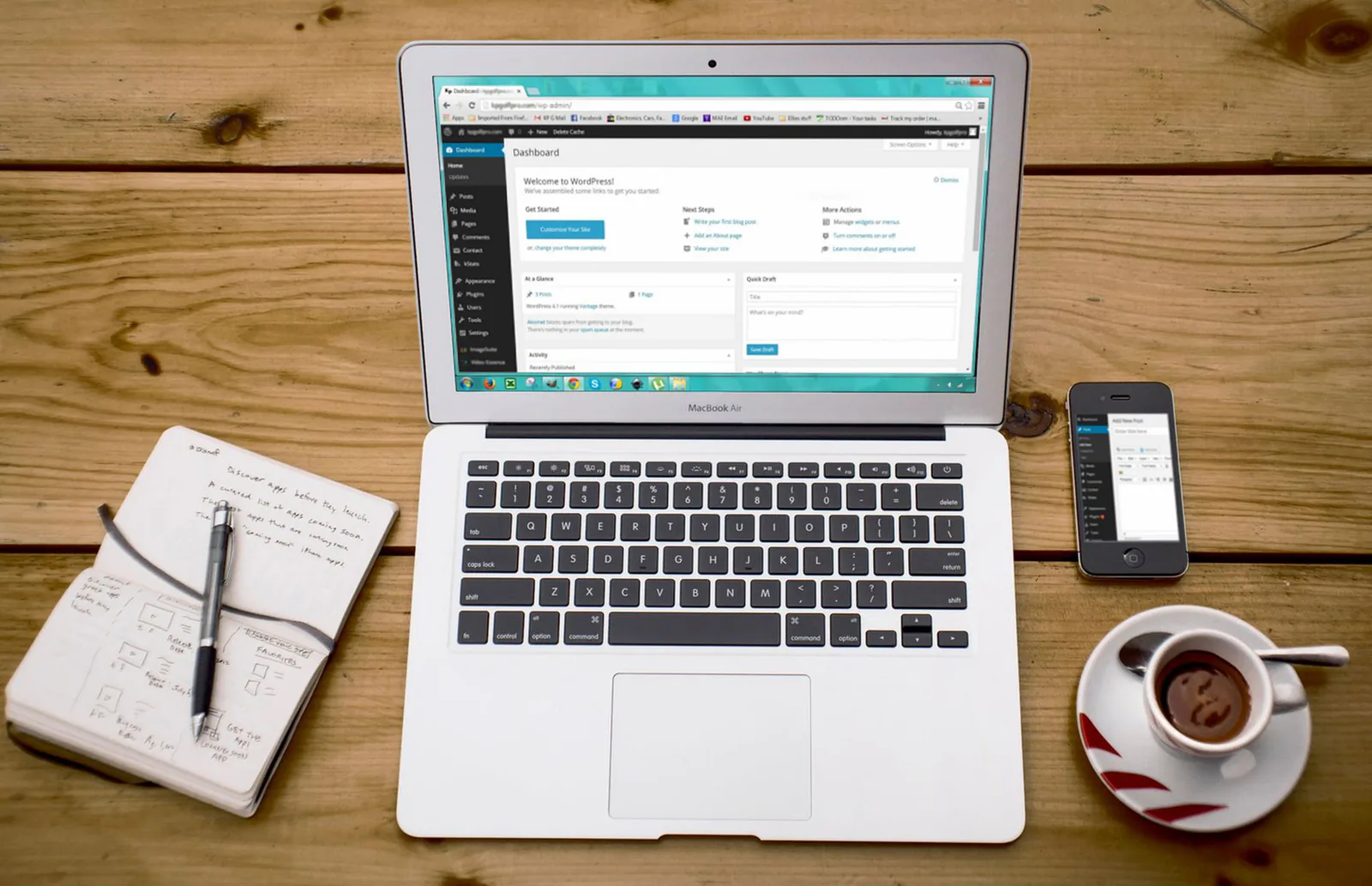
Wix ecommerce is built in; WordPress handles selling through the powerful WooCommerce plugin.
SEO and Marketing
WordPress has the strongest SEO ecosystem of any platform. Plugins like Yoast SEO and Rank Math give you granular control over title tags, meta descriptions, XML sitemaps, schema markup, breadcrumbs, canonical URLs, and content optimization scoring. WordPress powers over 40% of all websites, and Google's crawlers are thoroughly optimized for WordPress sites.
Wix has improved its SEO capabilities significantly in recent years. Wix SEO Wiz provides step-by-step guidance, and the platform now supports custom meta tags, 301 redirects, structured data, canonical URLs, and XML sitemaps. Wix also offers built-in email marketing through Wix Ascend, social media tools, and analytics — a nice integrated marketing toolkit.
For most small business SEO needs, both platforms are capable. For competitive SEO where every technical detail matters — custom schema markup, granular URL structures, advanced redirect management — WordPress offers more flexibility.
Long-Term Scalability
Wix is designed to grow with small to medium businesses. Its plans scale up to Business Elite ($159/month) with priority support, increased storage, and advanced features. For a business site, blog, or small online store, Wix can serve you well for years. Where Wix reaches its limits is in highly custom applications, large-scale ecommerce, or situations where you need full infrastructure control.
WordPress scales effectively to any size. WordPress.org powers enterprise sites for companies like TechCrunch, The New Yorker, and Sony Music. With proper hosting and optimization, WordPress handles millions of page views. The open architecture means you are never locked in — you can change hosts, redesign completely, or extend functionality in any direction without platform constraints.
If you anticipate significant growth, need custom functionality, or want to avoid platform lock-in, WordPress is the more future-proof choice. If your needs are well-served by a website builder and you value ease of management over maximum flexibility, Wix is a strong long-term option.
Side-by-Side Feature Comparison
| Feature | Wix | WordPress (self-hosted) |
|---|---|---|
| Monthly cost | $17-$159/month (all-in-one) | Free software + hosting ($5-50/month) |
| Hosting | Included in all plans | Self-hosted (you choose provider) |
| Ease of use | True drag-and-drop, no code needed | Moderate learning curve |
| Design flexibility | Pixel-level drag-and-drop control | Unlimited — full code access |
| Templates/themes | 900+ industry-specific templates | Thousands of free and premium themes |
| Plugin/app ecosystem | Wix App Market (300+ apps) | 60,000+ plugins |
| Ecommerce | Built-in on Business plans | WooCommerce (free, powerful) |
| Blogging | Solid blogging tools | Industry-leading CMS, built for content |
| SEO | Good — Wix SEO Wiz, custom meta tags | Best-in-class with Yoast/Rank Math |
| Maintenance | Fully managed — no updates needed | Updates, backups, and security are your responsibility |
| Code access | Velo by Wix (limited JavaScript) | Full access — HTML, CSS, PHP, JavaScript |
| Scalability | Good for small-medium sites | Scales to enterprise level |
| Customer support | 24/7 support on all paid plans | Community forums, hosting support |
| Email marketing | Built-in via Wix Ascend | Via plugins (Mailchimp, etc.) |
Pricing current as of March 2026. Check each provider's website for the latest rates.
Pros and Cons
Wix
Wix Pros
- ✓Easiest drag-and-drop editor — no technical skills needed
- ✓Everything included — hosting, SSL, security, and maintenance
- ✓900+ professional templates organized by industry
- ✓Built-in email marketing, forms, and analytics
- ✓Wix ADI generates a site from your answers to basic questions
- ✓24/7 customer support on all paid plans
Wix Cons
- ✕Cannot switch templates after publishing without rebuilding
- ✕Limited plugin ecosystem compared to WordPress (300+ vs 60,000+)
- ✕Less SEO flexibility — adequate but not best-in-class
- ✕Platform lock-in — difficult to export and move to another platform
- ✕Ecommerce less powerful than WooCommerce for large or complex stores
- ✕Limited code access — Velo by Wix offers JavaScript but not full flexibility
WordPress
WordPress Pros
- ✓Free, open-source software with no platform lock-in
- ✓60,000+ plugins for virtually any feature or integration
- ✓Best SEO ecosystem available (Yoast, Rank Math)
- ✓Full code access — unlimited design and functionality
- ✓Powers 40%+ of all websites — proven at every scale
- ✓WooCommerce makes it a powerful ecommerce platform
WordPress Cons
- ✕Steeper learning curve — hosting setup, theme configuration, plugin management
- ✕Security, updates, and backups are your responsibility
- ✕Plugin conflicts can cause site issues and downtime
- ✕No dedicated 24/7 support — rely on hosting provider and community
- ✕Performance depends on hosting quality, theme, and plugin choices
- ✕Requires ongoing maintenance that Wix handles automatically
Frequently Asked Questions
Our Verdict: Pick Based on Your Technical Comfort
Choose Wix if you want to build a professional website without technical knowledge and prefer everything managed for you. Choose WordPress if you want maximum flexibility, the best SEO tools, and the ability to scale without platform constraints. Both are proven platforms — the right choice depends on whether you value ease of use or long-term control.